web development Tales


Just updated - Optimize Images v2.1.0

Just updated - Optimize Images v2.1.0

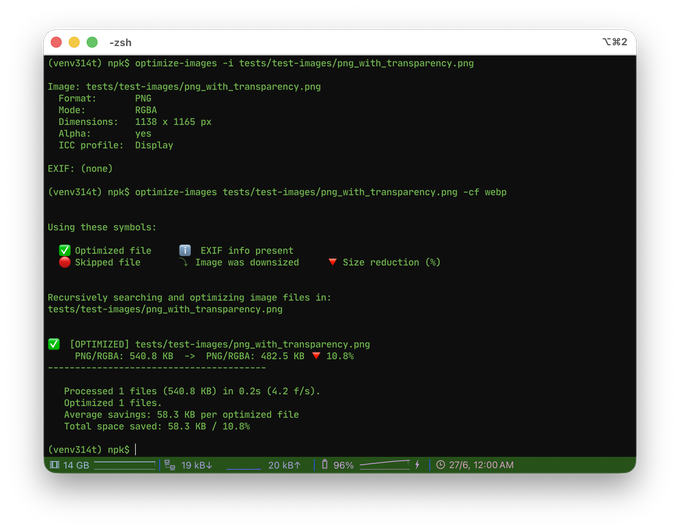
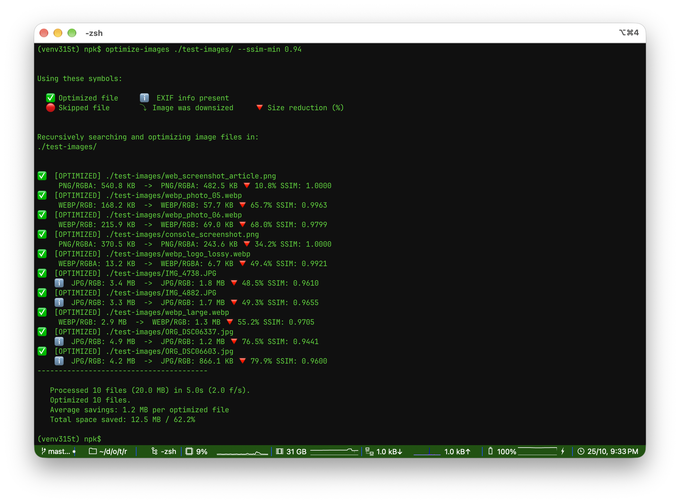
Optimize Images 2.1.0 brings native WebP support, a generalized format-conversion system, on-demand image inspection with EXIF reporting, and a new in-memory API for working with image bytes directly. It is a focused, fully backwards-compatible step forward for the command-line tool and its public API.
Reading time: 3 minutes
Just updated - both Optimize Images and Optimize Images X

Just updated - both Optimize Images and Optimize Images X

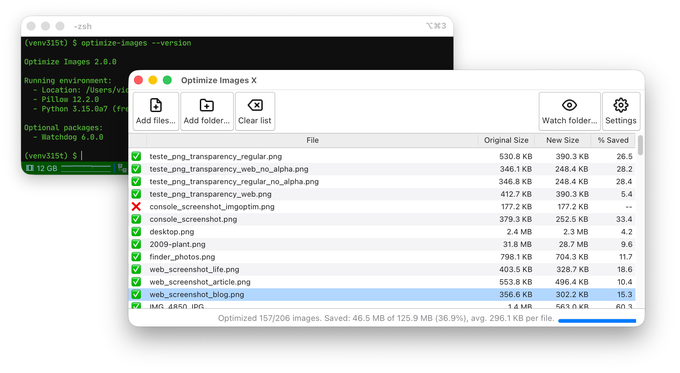
This release represents a significant milestone for both Optimize Images and Optimize Images X, marking a coordinated step forward in modernization, dependency cleanup, and internal architecture improvements across the ecosystem.
Reading time: 2 minutes
Just updated - both Optimize Images and Optimize Images X

Just updated - both Optimize Images and Optimize Images X

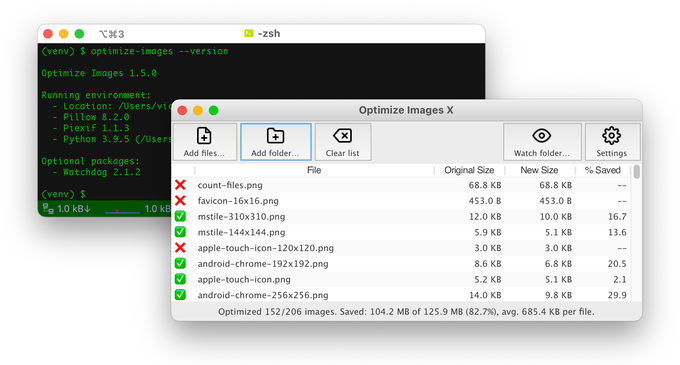
This time, we are releasing both Optimize Images and Optimize Images X at the same time. The original CLI version now uses temporary files with in-memory buffers, which prevents unnecessary I/O, and also displays more detailed and more useful version information. Optimize Images X, the GUI version, is now compatible with Python3.7+ and has the ability to open or preview a selected image.
Reading time: 1 minute
Just updated - Optimize Images X v0.9.1 (Beta 2)

Just updated - Optimize Images X v0.9.1 (Beta 2)

So, just 3 days after the first public beta, here we got the second beta for Optimize Images X. It includes an important hot fix for Windows and Linux, and two new usability features.
Reading time: 1 minute
New project: Optimize Images X

New project: Optimize Images X

Just for fun, this month I set myself to start a new Python project. It’s the same as Optimize Images, but with a big X and a nice graphical user interface. It wants to help you reduce the file size of images, and hopefully make your websites load faster.
Reading time: 2 minutes
Why and how I have just redesigned my (other) website

Why and how I have just redesigned my (other) website

Going through a moment of change in my life, I have decided to redesign my other website, using Pelican and other open source tools. The older version was starting to look a bit aged, especially on mobile devices, so it seemed like a good idea to start a complete makeover. As they use to say, new year… new website.
Reading time: 6 minutes