macOS Tales


Optimize Images X now supports WEBP and drag and drop

Optimize Images X now supports WEBP and drag and drop

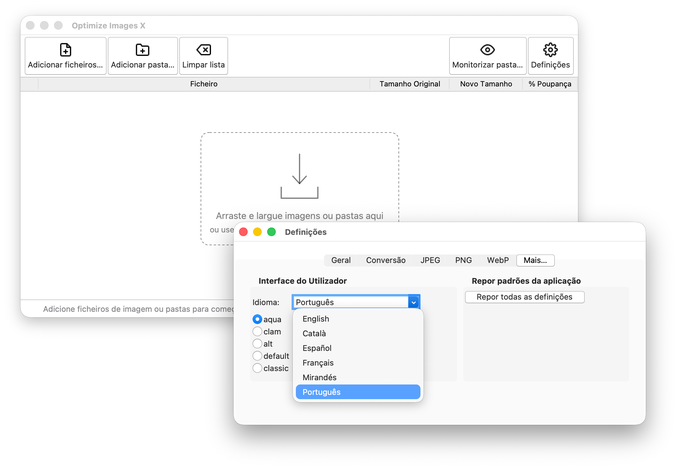
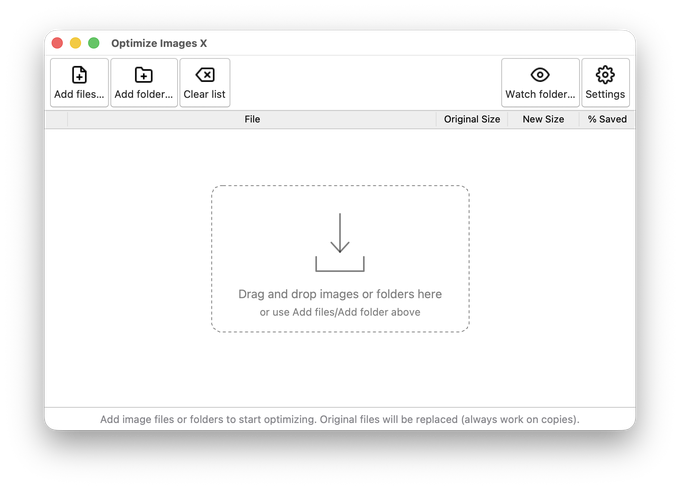
Optimize Images X, the multi-platform desktop application that helps you reduce the file size of your images on macOS, Windows and Linux, has just been updated to version 2.1.0. This new version adds drag-and-drop, conversion to more output formats, including WebP and AVIF, a new image info window with a readable EXIF report, and a PyInstaller spec file for building standalone executables.
Reading time: 3 minutes
Just updated - Optimize Images v2.1.0

Just updated - Optimize Images v2.1.0

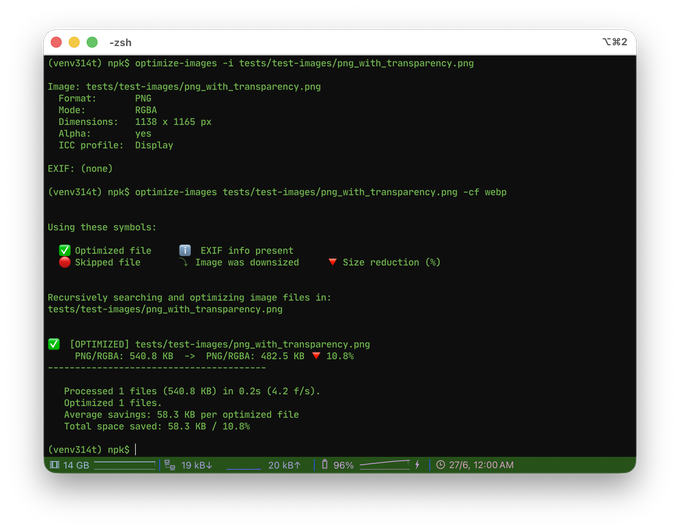
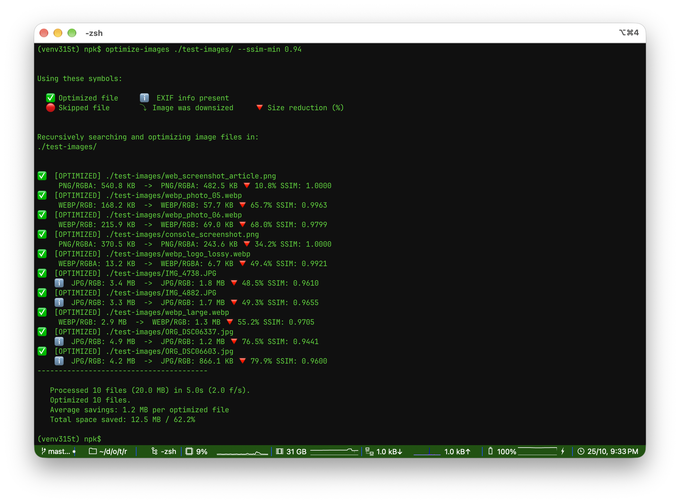
Optimize Images 2.1.0 brings native WebP support, a generalized format-conversion system, on-demand image inspection with EXIF reporting, and a new in-memory API for working with image bytes directly. It is a focused, fully backwards-compatible step forward for the command-line tool and its public API.
Reading time: 3 minutes
Just updated - both Optimize Images and Optimize Images X

Just updated - both Optimize Images and Optimize Images X

This release represents a significant milestone for both Optimize Images and Optimize Images X, marking a coordinated step forward in modernization, dependency cleanup, and internal architecture improvements across the ecosystem.
Reading time: 2 minutes
Converting Base64 strings to files without writing code

Converting Base64 strings to files without writing code

I recently stumbled upon a situation where I needed to quickly convert a Base64 string coming from a web api and save it into a file in disk in order to inspect its contents. Sure, I could have spun up a small program in C# or Python. But honestly, that felt like an overkill for what was essentially a one-off task. In the past I had used an online Base64 converter for a similar task, so it crossed my mind, but sharing potentially sensitive data with unknown third-party services didn’t feel right. So, I searched for an alternative. Surely, there had to be an simpler, more direct solution.
Reading time: 3 minutes
Just updated - both Optimize Images and Optimize Images X

Just updated - both Optimize Images and Optimize Images X

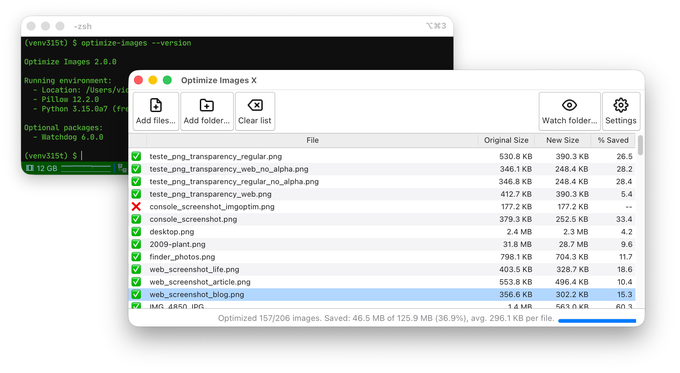
This time, we are releasing both Optimize Images and Optimize Images X at the same time. The original CLI version now uses temporary files with in-memory buffers, which prevents unnecessary I/O, and also displays more detailed and more useful version information. Optimize Images X, the GUI version, is now compatible with Python3.7+ and has the ability to open or preview a selected image.
Reading time: 1 minute
Just updated - Optimize Images X v0.9.1 (Beta 2)

Just updated - Optimize Images X v0.9.1 (Beta 2)

So, just 3 days after the first public beta, here we got the second beta for Optimize Images X. It includes an important hot fix for Windows and Linux, and two new usability features.
Reading time: 1 minute